Developed by photographers. Engineered for precision.

Shoot fast. Find faster.

Intelligent image analysis and automated metadata for motorsport and aviation photographers.

MotorsportEvery number. Every team. Every sponsor.

AviationEvery aircraft. Every registration.

Every number. Every registration. Every frame.

Point it at the folders from a race weekend or an airshow and walk away. Every photo comes back keyworded, ready to search.

1

Two specialities, one app

Switch between Motorsport and Aviation at the top of the window. Each mode knows what to look for, and what to ignore.

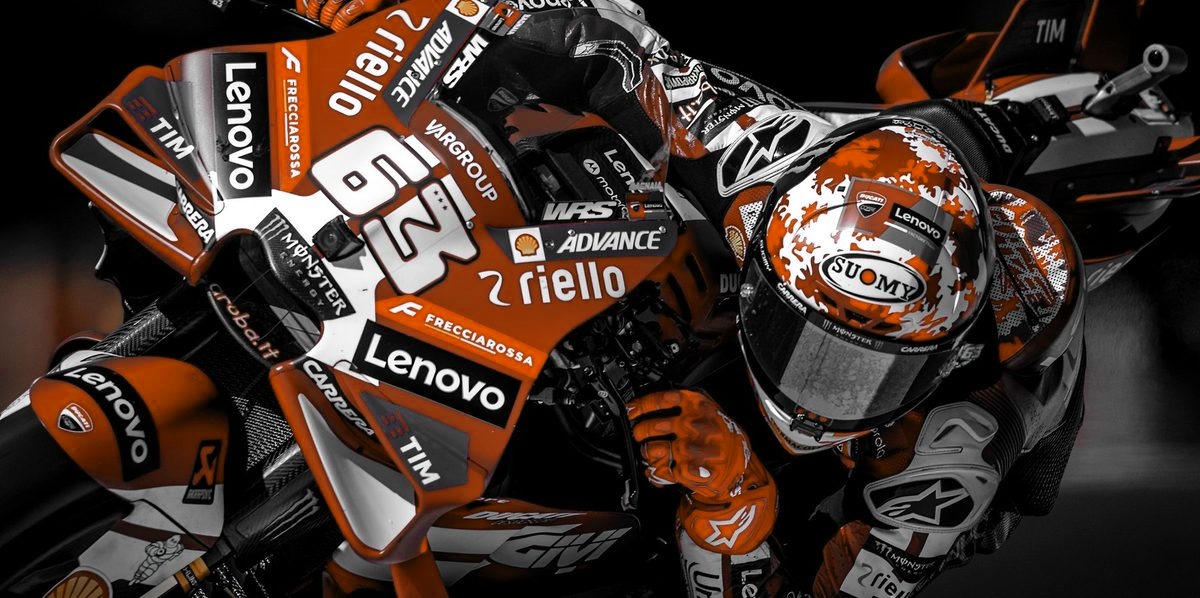
Red number 63 race bike at full lean, in black and white with only the red keptMotorsport

Reads the bike, not the billboard

  • Race numbers on fairings, number boards, doors, roofs and windscreens.
  • Rider and driver names on helmets, leathers and screens.
  • Sponsors and makes, read from the lettering on the bike or car.
  • Entry list matching adds the rider, class and team to every number.
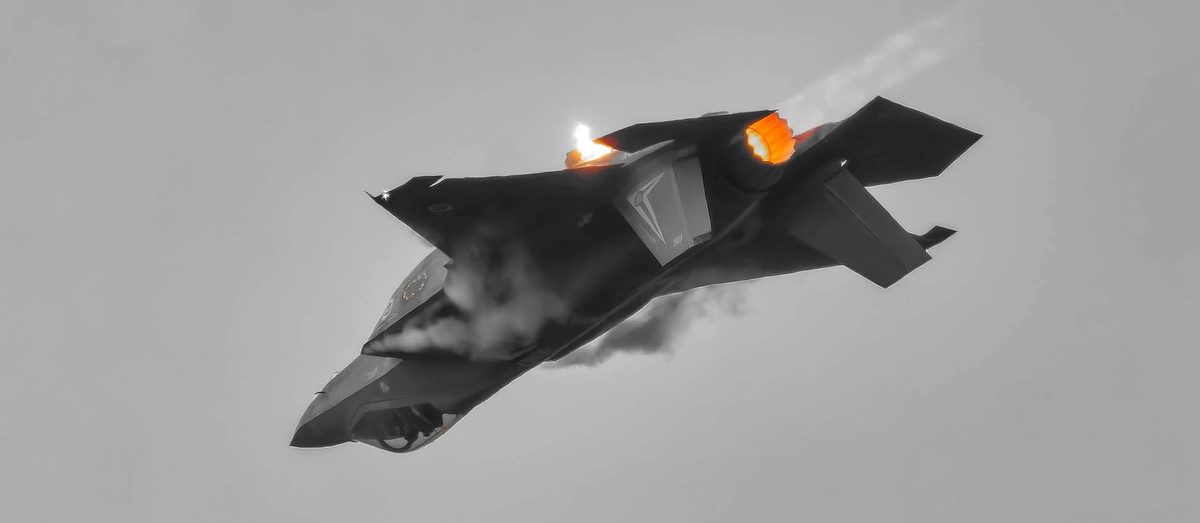
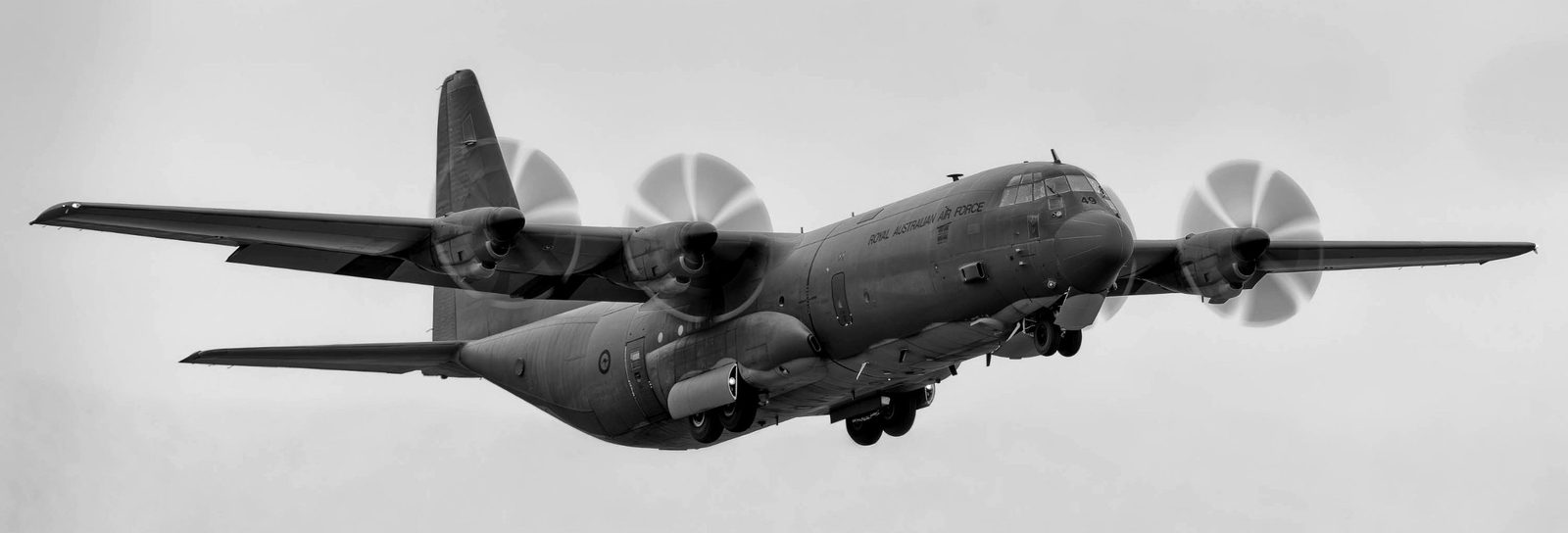
F-35 banking hard with its afterburner lit and a flare firing, in black and white with only the flames in colourAviation

Reads the aircraft, not the airport

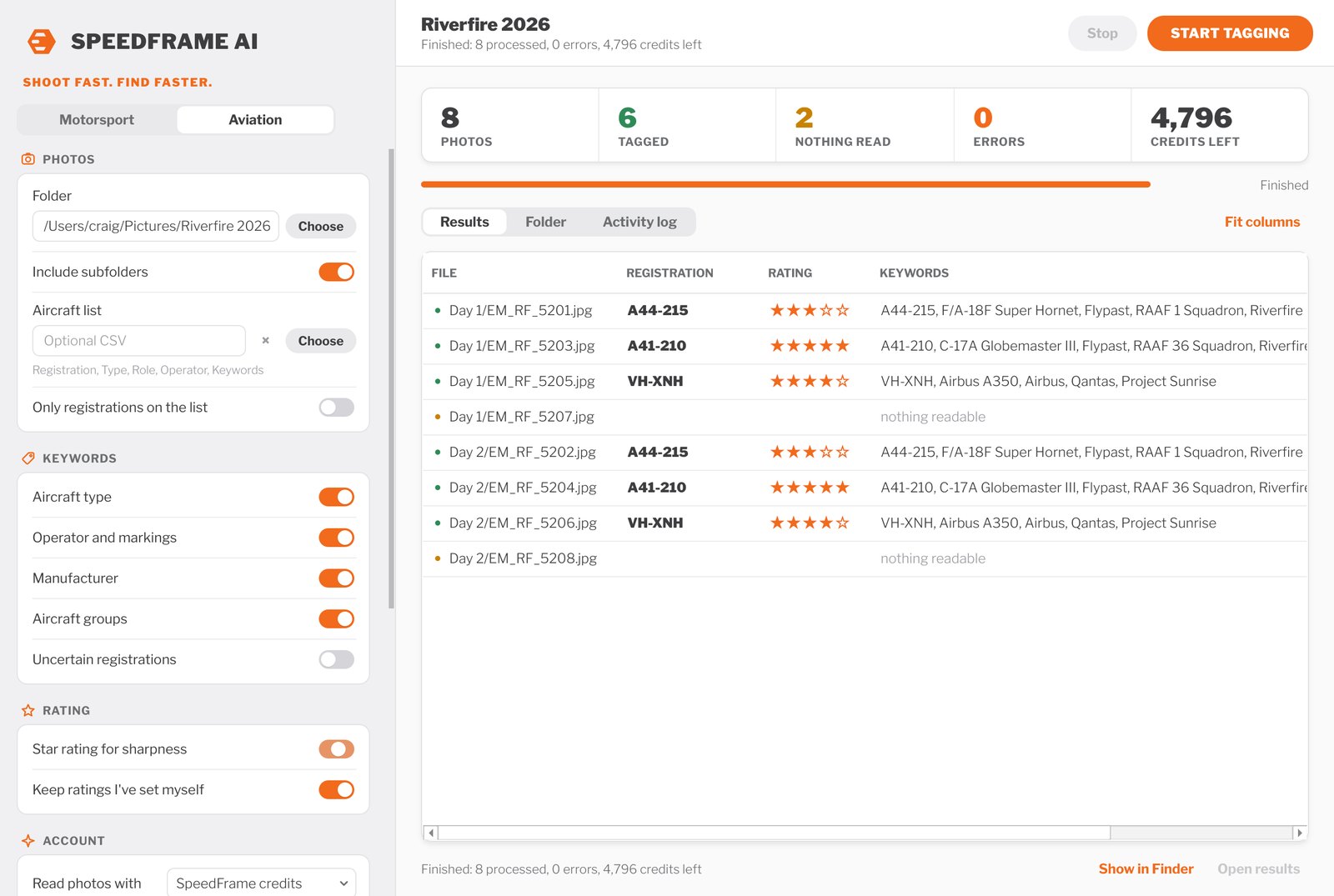
  • Registrations and serials exactly as painted, such as VH-XNH or A44-215.
  • Aircraft type and manufacturer, only as precisely as the photo shows.
  • Operators and markings: airlines, squadrons, display teams and special schemes.
  • Aircraft list matching adds your own type, role and operator details.
2

How it works

No new catalogue to learn. SpeedFrame AI works on the folders you already have, then hands everything back to the software you already use.

  1. 1

    Choose the shoot

    Pick Motorsport or Aviation, then the folder of photos, RAW or JPEG, straight off the card. Subfolders for each session or day are included.

  2. 2

    Add an entry or aircraft list

    Optional: a simple spreadsheet of race numbers or registrations, with names, teams or operators.

  3. 3

    Press Start Tagging

    Every frame is read and keyworded, with an optional star rating for sharpness. Watch the totals as it works.

  4. 4

    Search it anywhere

    Keywords and stars are saved beside each photo, ready to search in Photo Mechanic, Capture One, Bridge or Lightroom Classic.

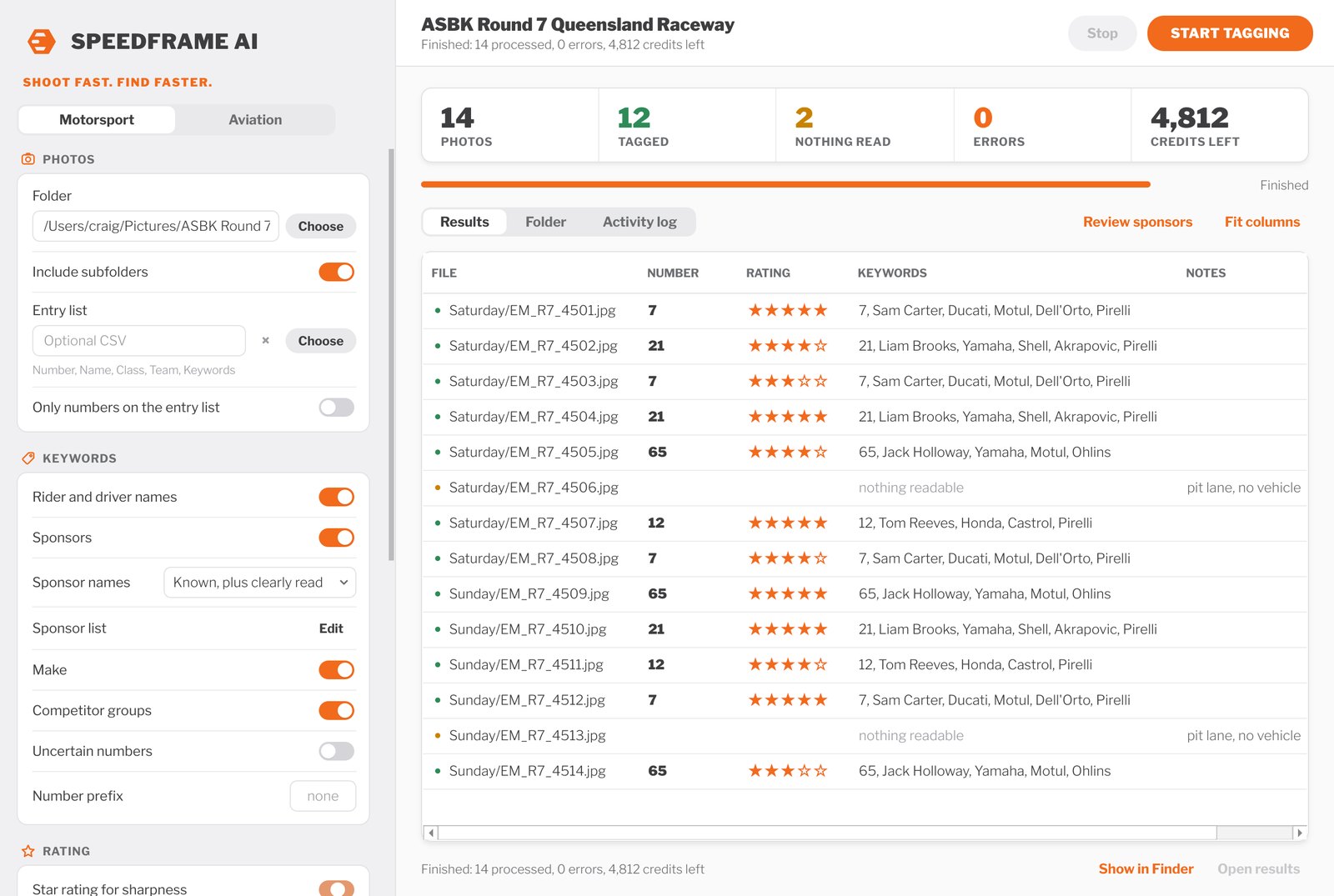
SpeedFrame AI after tagging 14 photos from a race meeting, with race numbers, star ratings and keywords for each photo

A race meeting tagged with star ratings on. Rider names in these examples are made up.

3

Built for the way you work


Find any frame in seconds

Search a whole race weekend for #88, a rider, or every frame with Motul on it.

Whole shoots, unattended

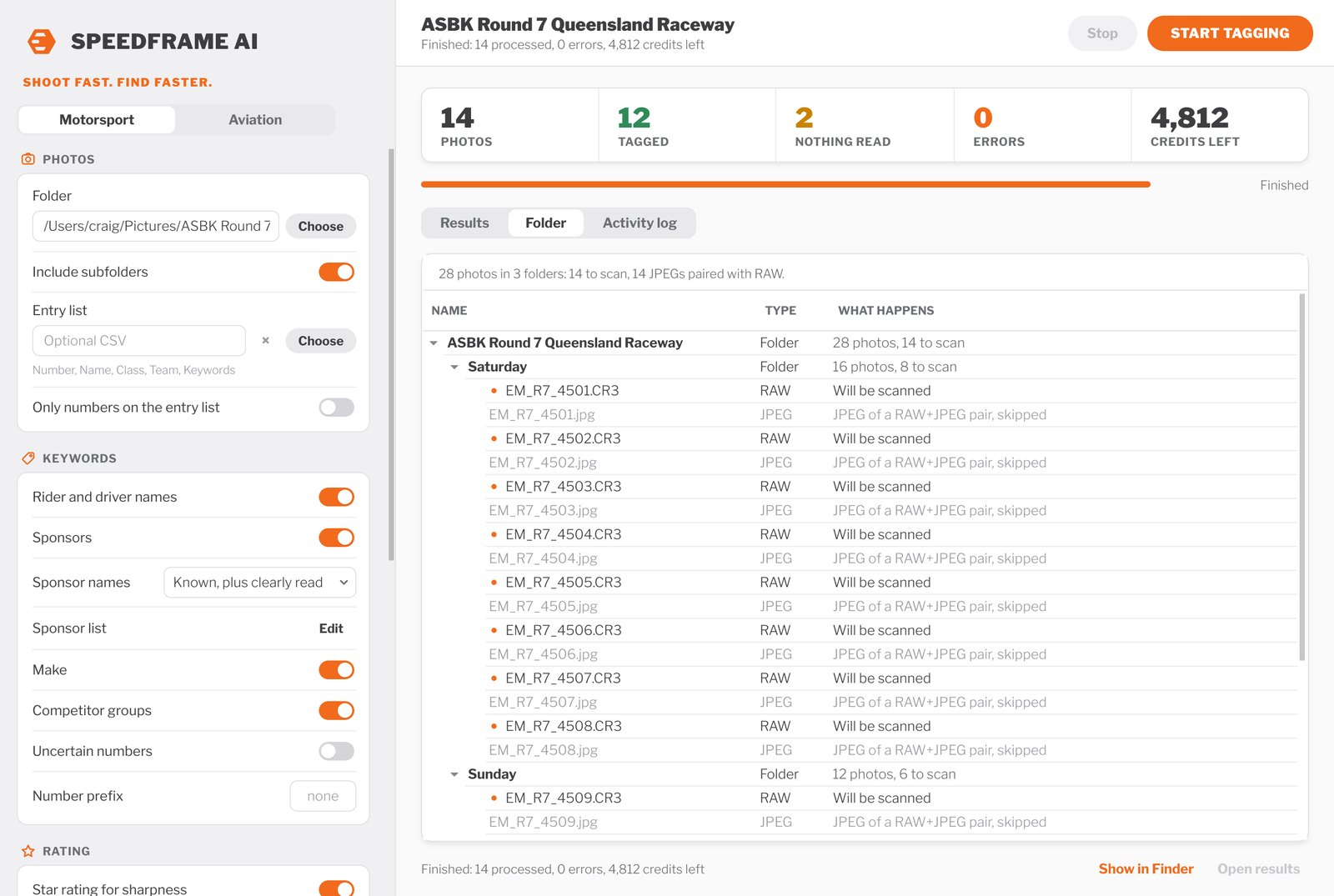
Point it at the weekend's folders and subfolders, and walk away. The Folder view shows exactly what will be scanned first.

Every subject in the frame

Reads every bike, car or aircraft that is a clear subject, not just the first one it sees.

Works with your tools

Keywords and stars go into standard XMP files that your photo software already reads.

No paying twice

RAW+JPEG pairs are read once, and re-runs skip photos that are already done.

Originals never touched

Only a reduced copy is sent to be read. Your files, keywords, edits and ratings stay yours.

4

Star ratings for sharpness

Switch it on and every frame gets 1 to 5 stars for how sharp the main subject is. SpeedFrame AI checks the bike, car or aircraft up close at full resolution, so it can spot focus that is only slightly off.

Deliberate panning blur, spinning wheels, and propeller or rotor blur are expected and never count against a frame. Ratings you have set yourself are never overwritten.

A focus score in the results spreadsheet helps you pick the sharpest frame from a burst.

StarsMeans
★★★★★Tack sharp: lettering and edges crisp
★★★★☆Sharp: only minor softness up close
★★★☆☆Usable: fine for web and social media
★★☆☆☆Soft: focus missed or motion blur
★☆☆☆☆Reject
5

Works with the tools you trust

SpeedFrame AI doesn't ask you to change how you edit. It writes standard XMP sidecar files beside your photos, so your keywords and stars appear in the software you already use.

Photo MechanicCapture OneAdobe BridgeLightroom Classic

Your own keywords and edits in those files are kept. Lightroom Classic reads sidecars for RAW files; for JPEG and DNG, use Photo Mechanic, Capture One or Bridge.

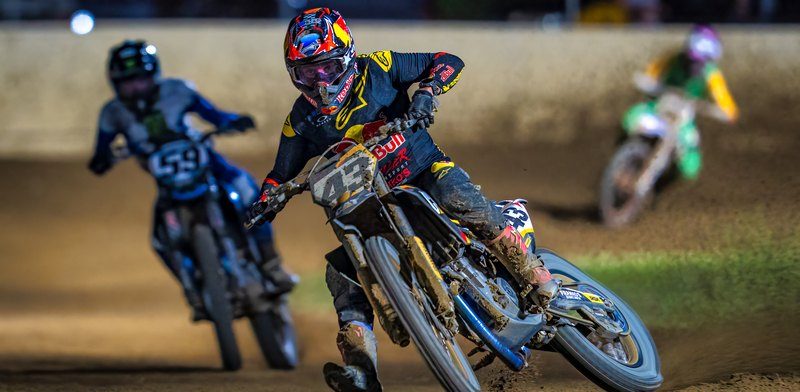
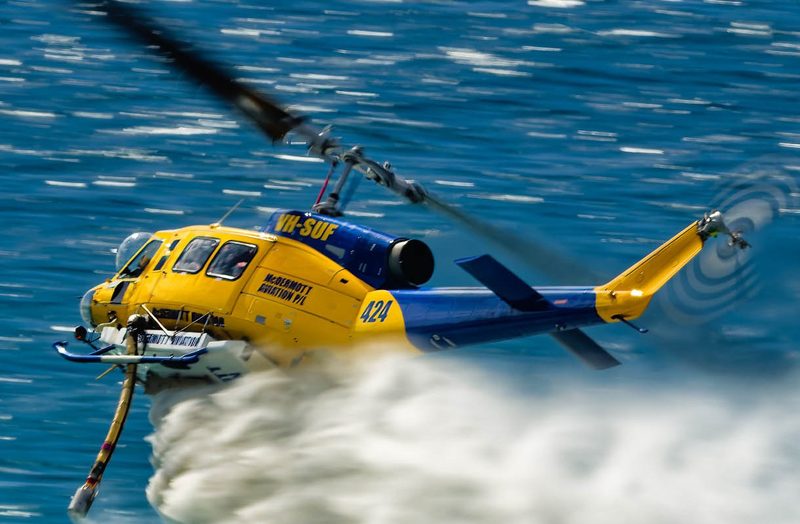
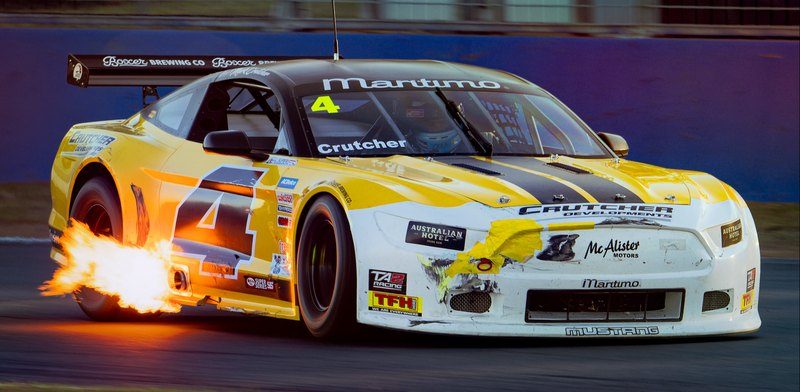
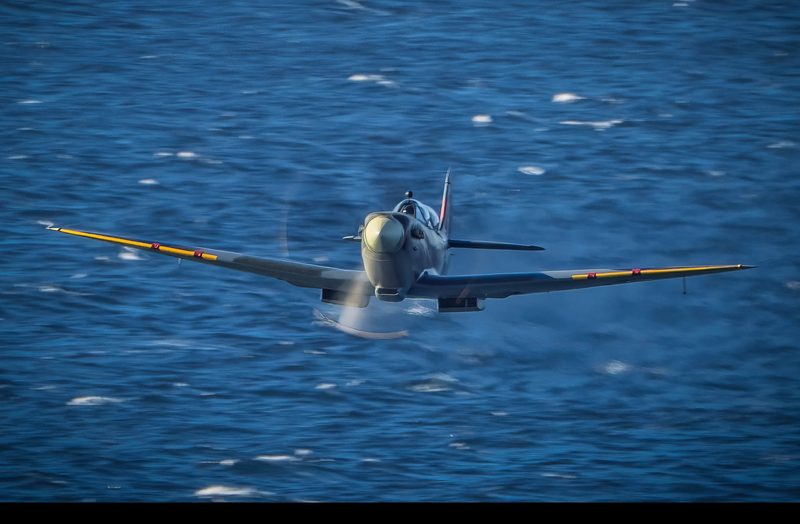
Flat track riders sliding through a dirt corner at night Yellow and blue firefighting helicopter dropping water low over the sea Yellow number 4 Mustang shooting flames from its exhaust Spitfire flying head on, low over deep blue water

Private beta

Testing with photographers, coming soon.

Over the coming weeks, SpeedFrame AI is being tested by a small, invitation-only group of motorsport and aviation photographers, on real race weekends and airshows. Their results will shape the first public release.

Details on joining will be posted here.